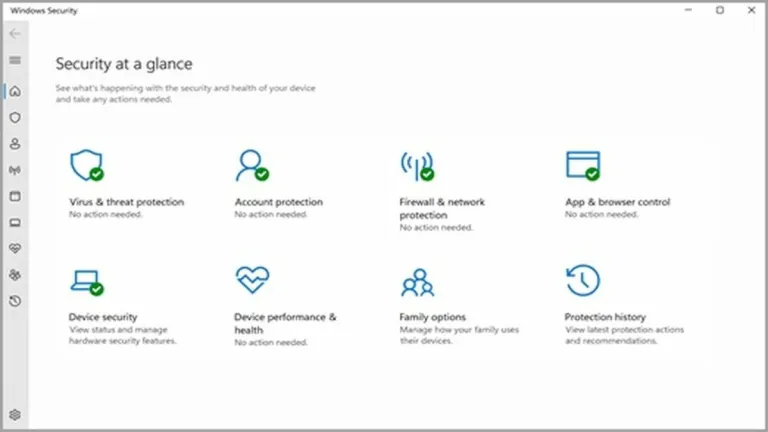
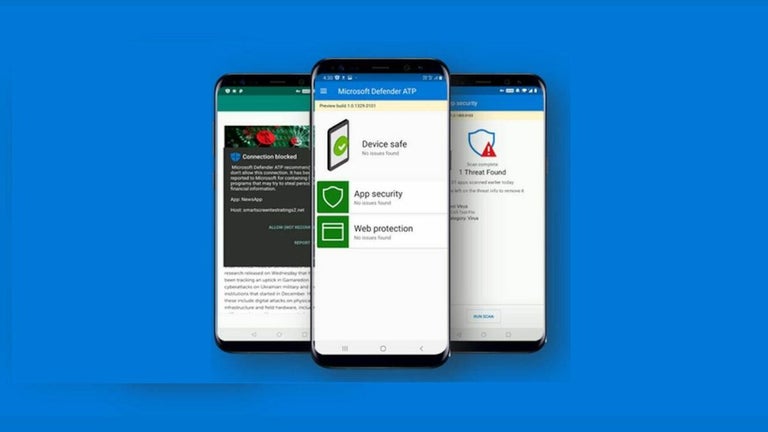
Microsoft Defender functions similarly to Norton 360 Premium, Bitdefender Total Security, and McAfee AntiVirus Plus, which are all antivirus software. This tool’s security center protects a PC against trojans, ransomware, spyware, viruses, and other security threats. The latest version of this program is among the top 10 software suites considered to be reliable.
Turns on automatically and provides protection against malware
An essential benefit of Microsoft Defender is that it comes integrated with most PCs and stays on by default. However, if you do have to install or download it, this can be done with ease. You won’t even have to configure anything as the antivirus software starts working right after getting installed. In case you install a third-party security solution, it goes dormant to avoid any conflict. However, it can be buggy at times.
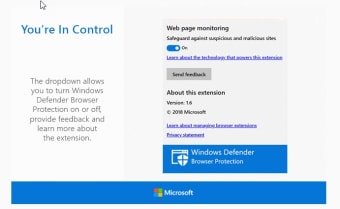
This program comes with an array of features, including automatic scanning, blocking, anti-phishing, and offline maintenance. Its security solution provides a simple firewall that stops ads, provides low-level exploit protection, stops visits to malicious sites or downloads, blocks dangerous URLs, and much more. It also provides an offline scan designed to handle malware that doesn’t show up in a routine scan. Along with offline scanning, this tool provides users with quick, full, and custom scan options.
Updated features of this antivirus program
One of Microsoft Defender’s biggest advantages is deep integration with Windows, meaning it requires no additional installation, subscription, or renewal fees. It stays updated automatically via security intelligence and OS updates, minimizing the risk of exposure due to outdated definitions while keeping system impact relatively light compared to some third‑party suites. Users of Windows 10 should note that even though official OS support has ended, Microsoft Defender will continue providing malware protection and intelligence updates for years.
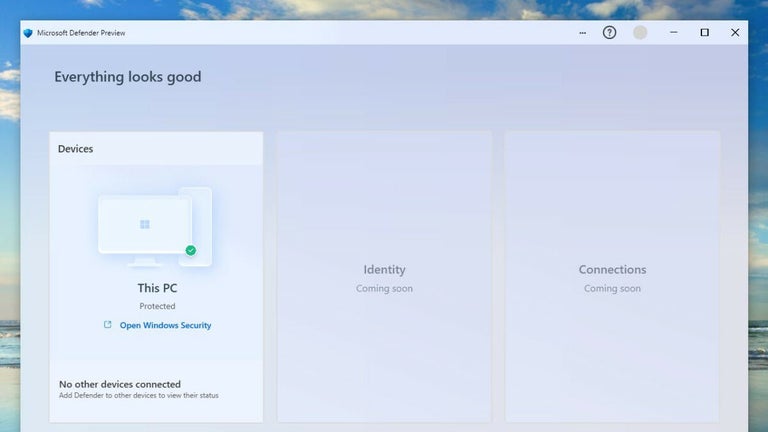
Recent development has focused on performance and stability improvements as well as more robust threat intelligence. Updates in 2025 include enhancements to scanning performance and deeper threat detection capabilities as part of Microsoft Defender for Endpoint/Antivirus releases, alongside general stability and serviceability improvements. Broader enterprise‑focused enhancements include offline security intelligence updates on macOS devices and expanded threat containment and attack surface reduction rules. These refinements reflect Microsoft’s ongoing effort to evolve Defender.
Built-in protection that keeps evolving
Microsoft Defender stands out as a dependable, no-cost security solution that delivers solid protection without demanding extra effort from users. Its deep Windows integration, automatic updates, and broad malware defenses make it a strong everyday safeguard for most PCs. While it may lack some advanced features found in premium antivirus suites and can feel buggy at times, its continuous improvements and reliable performance ensure it remains a practical, trustworthy choice.